Shortcuts are the key to working efficiently, even in Scratch. Scratch’s costume editor is filled with shortcuts! One of the best costume editor shortcuts is Alt-click.
Alt-click is quite simple: it duplicates whatever shapes you click on in the costume editor.
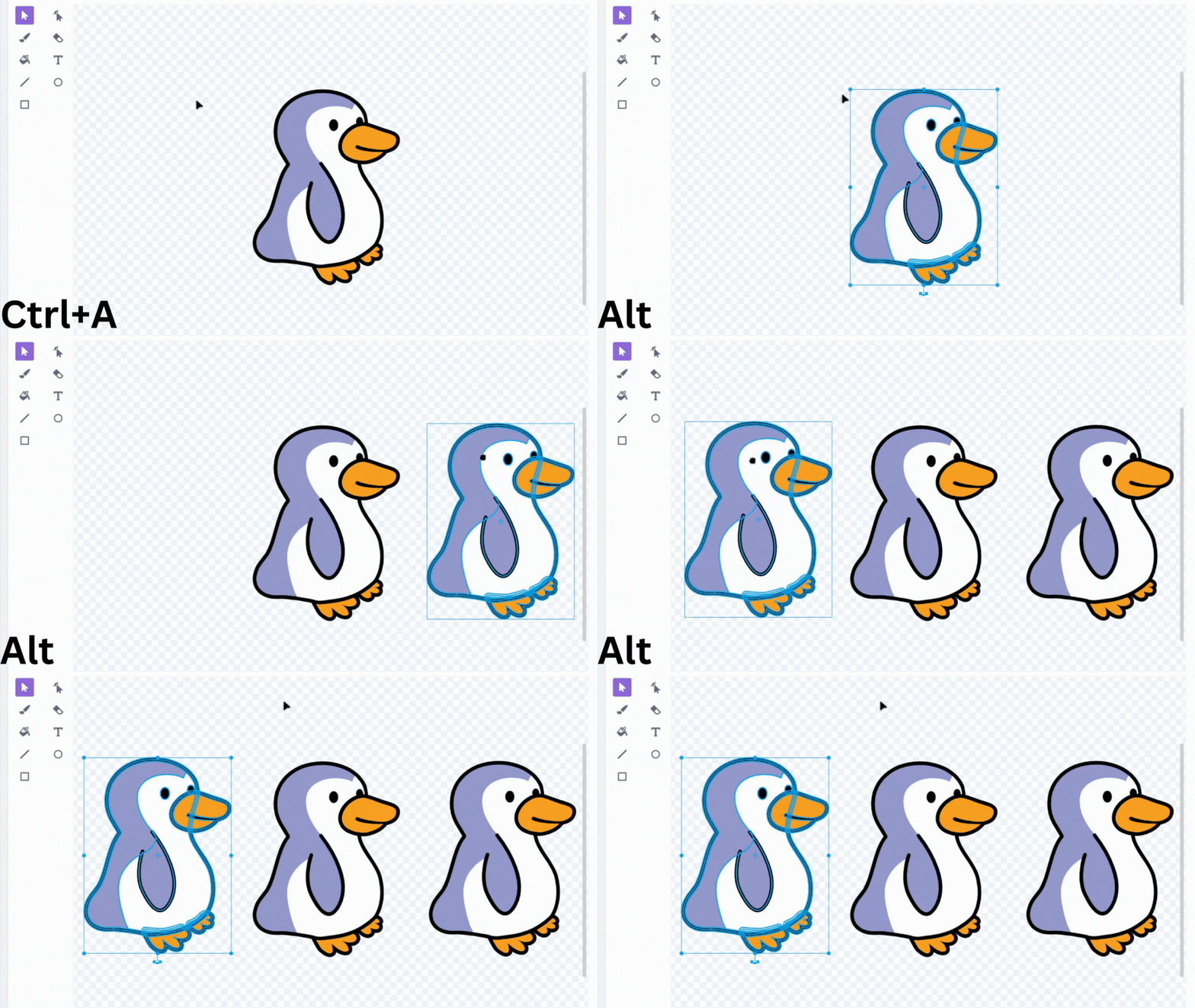
However, it is very likely you already use Ctrl+C and Ctrl+V to copy and paste, or the copy and paste buttons in the costume editor toolbar. So, what makes Alt-Click different?
- If you Alt-drag, you can quickly move the duplicated shapes to a new location.
- Alt-click always keeps the shapes in the same position as the original one. This is a game changer, since other copy-paste methods, including Ctrl-C and Ctrl-V, will always shift the shapes’ position. This can be useful for aligning two shapes, e.g. Alt-clicking and then using the arrow keys.
Alt-click is one of the most powerful Scratch shortcuts, and it can save you tons of time in the Scratch editor.